
Download F-Secure Online Scanner – antivirus, online scanner, malware detection, Windows security, quick scan, portable tool
Overview
F-Secure Online Scanner is a lightweight, no-installation antivirus utility designed specifically for Windows users seeking a fast and reliable way to detect and address potential threats. Unlike traditional antivirus software that requires setup and background processes, this tool operates as a portable executable, allowing users to initiate a scan instantly from any folder. Its primary purpose is to provide a quick, secure method for identifying malware and other security risks without the overhead of full system integration.
The app is particularly useful for users who need to perform on-demand scans on shared or public computers, or those who suspect a system infection but prefer not to install additional software. It also serves as a valuable secondary verification tool for users already running other antivirus solutions, helping to cross-check for overlooked threats. Given its origin from F-Secure, a cybersecurity company with over three decades of experience, the tool benefits from established security expertise and trusted detection algorithms.
While the developer did not provide additional technical details about scanning methodologies or threat databases, the tool’s reputation and design suggest it leverages real-time threat intelligence. It is intended for individual users, IT professionals, and organizations needing a simple, secure way to verify system integrity. Its role in the broader security ecosystem lies in offering a convenient, low-friction option for immediate threat assessment.
Key Features & Functionality
- No Installation Required: The tool runs directly from a downloaded executable file, eliminating the need for system changes or administrative privileges. This makes it ideal for temporary use on computers where software installation is restricted.
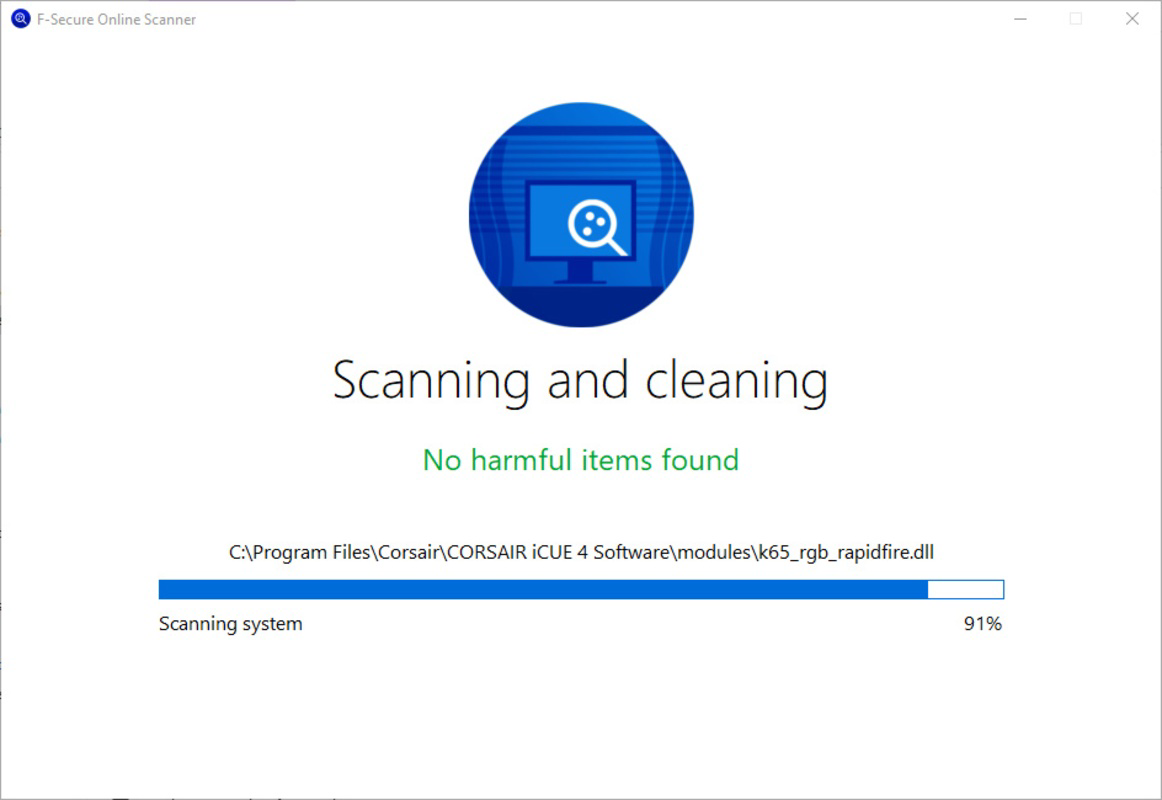
- Rapid Scanning: Designed for speed, the scanner completes full system scans in under two minutes, depending on the system’s hardware and drive size. This efficiency supports quick threat detection without disrupting workflow.
- Reliable Security Foundation: Developed by F-Secure, a company with over 30 years of cybersecurity experience, the tool inherits robust detection capabilities and secure development practices, ensuring the scanner itself is not a vector for malware.
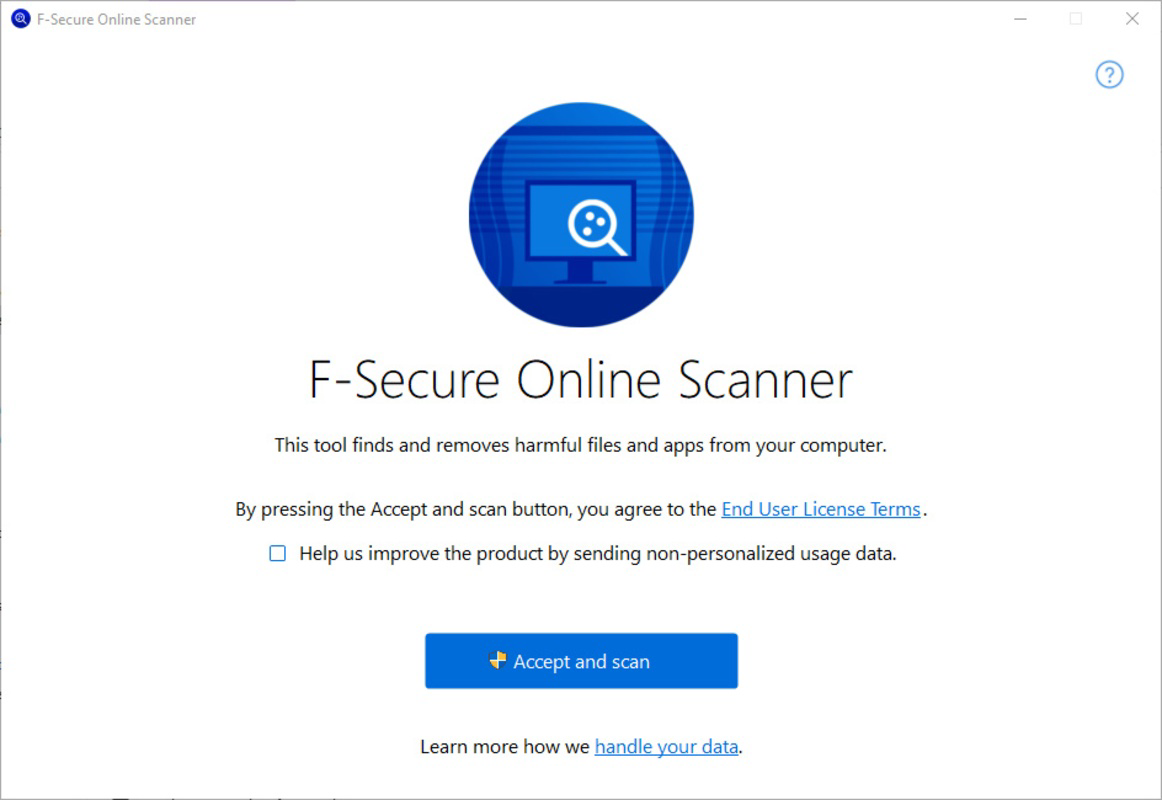
- User-Friendly Interface: The interface is minimal and intuitive, requiring only a single click on the 'Accept and run' button to begin scanning. This simplicity enhances accessibility for non-technical users.
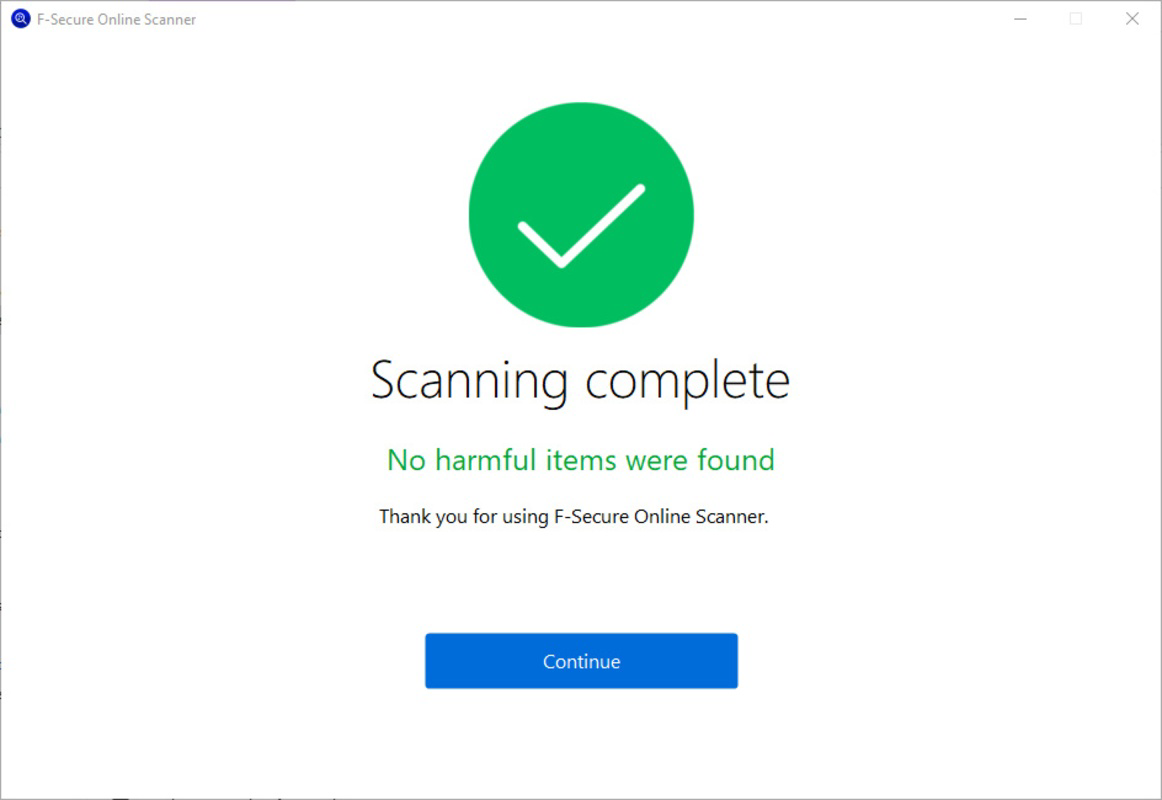
- Comprehensive Threat Report: After scanning, users receive a detailed report listing detected threats and actions taken, such as quarantining or removing files. This transparency helps users understand the security status of their system.
For example, a user working on a public library computer can run the tool from a USB drive to check for malware before transferring personal files. Similarly, an IT technician might use it to verify a system after a suspected breach, ensuring no threats remain undetected. These real-world scenarios highlight the tool’s value as a portable, trustworthy security check.
Interface, UX & Performance
The interface of F-Secure Online Scanner is intentionally minimal, focusing on core functionality without distractions. Users are presented with a clean screen featuring a single button labeled 'Accept and run', accompanied by a brief description of the scan process. This streamlined design reduces cognitive load and ensures users can initiate a scan with minimal effort.
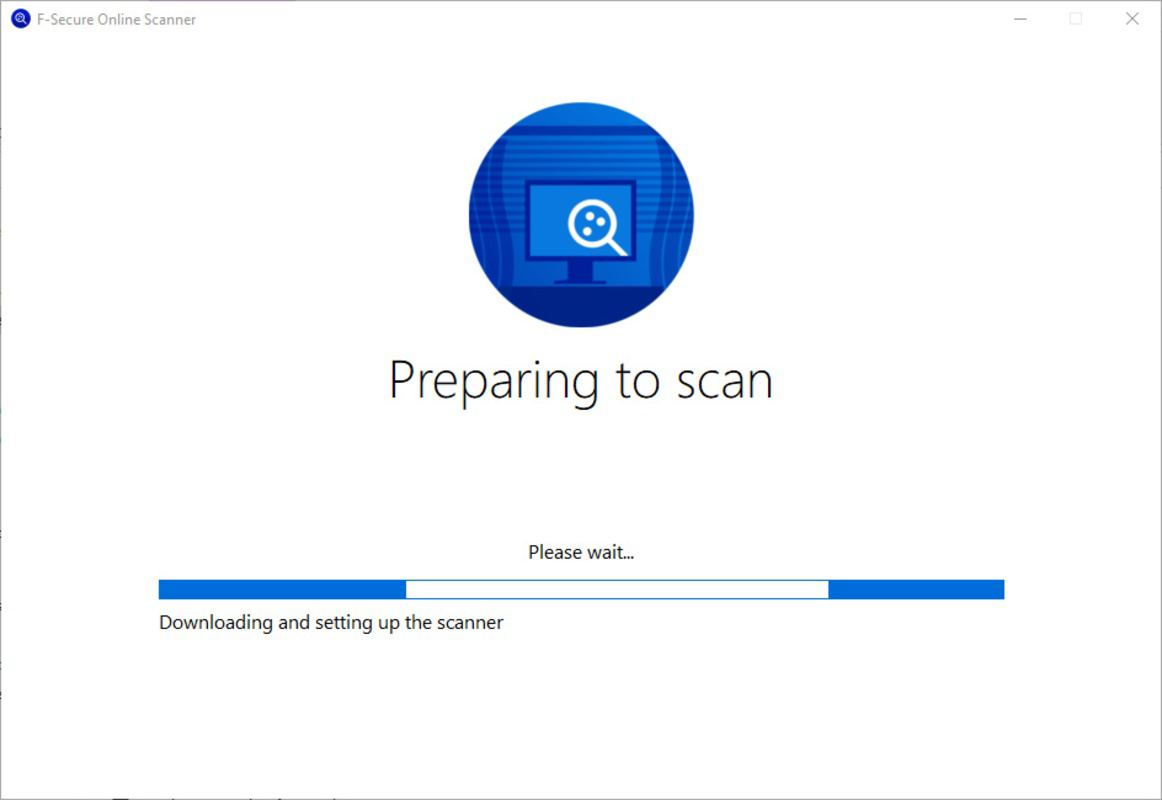
Navigational flow is direct and linear: download → accept → scan → review report. There are no complex menus, settings panels, or configuration options, which enhances usability for users unfamiliar with security tools. The visual style is consistent with professional security software—neutral colors, clear typography, and a focus on readability.
Although the developer did not list formal performance metrics, the tool’s lightweight size of 3.1 MB suggests optimized code and minimal resource consumption. It is expected to run efficiently on a wide range of Windows systems, including older hardware. Responsiveness appears to be high, as the tool completes scans quickly and provides immediate feedback upon completion. Stability is likely maintained through F-Secure’s development standards, though no specific error logs or crash reports were provided.
Platform Compatibility & Technical Requirements
F-Secure Online Scanner is designed exclusively for the Windows platform. The app requires a Windows operating system, though specific OS version requirements were not listed. The file size is 3.1 MB, indicating a highly optimized, portable executable suitable for quick downloads and minimal storage usage.
The developer did not specify minimum OS requirements, so users should ensure their system meets general compatibility standards for running Windows executables. Compatibility with Windows 7 and later versions is likely, given the tool’s lightweight nature and lack of dependency on modern runtime frameworks. However, no official confirmation was provided.
Pros and Cons
Pros
- Portable and does not require installation
- Fast scanning process, completing in under two minutes
- Developed by a reputable cybersecurity company with a strong track record
- Simple, intuitive interface suitable for non-technical users
- Provides detailed threat reports after scanning
- Free to download and use
Cons
- No automatic updates or scheduled scan options
- Only available for Windows, limiting cross-platform use
- Scanning duration may vary based on system performance and drive size
- Does not offer real-time protection or background monitoring
- Developer did not disclose specific OS compatibility details
FAQ
Is F-Secure Online Scanner safe to download and use?
Yes, the tool is developed by F-Secure, a trusted cybersecurity company with over 30 years of experience. The executable is designed to be secure and free from malware, making it safe for use on Windows systems.
Can I use this tool on any Windows computer?
The app is compatible with Windows systems, though specific OS requirements were not listed. It is expected to work on most modern Windows versions, including Windows 7 and later, due to its lightweight design.
Does F-Secure Online Scanner provide real-time protection?
No, the tool is designed for on-demand scanning only. It does not offer continuous monitoring or real-time threat detection. Users must manually initiate each scan.
How often should I run the F-Secure Online Scanner?
There is no fixed schedule. It is recommended to use the tool when you suspect a system infection, after downloading files from untrusted sources, or as a periodic check alongside your primary antivirus software.
Is the tool available for Mac or Linux?
Currently, F-Secure Online Scanner is only available for Windows. There is no official version for Mac or Linux operating systems.
Final Thoughts
F-Secure Online Scanner stands out as a reliable, no-frills solution for users who need a quick, secure way to scan their Windows systems for malware without installing additional software. Its portability, speed, and trustworthiness make it a valuable addition to any user’s digital hygiene toolkit. While it lacks real-time protection and scheduled scans, its focused design delivers exactly what it promises: a fast, safe, and transparent way to verify system security.
It is especially beneficial for individuals, remote workers, and IT professionals who require a lightweight, on-the-go security check. The fact that it is completely free and developed by a reputable company adds significant value. For those seeking a simple, effective way to perform a one-time system scan, this tool delivers exceptional utility.
Download F-Secure Online Scanner now


